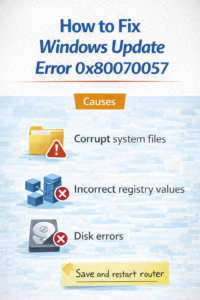
Causes
- Corrupt system files
- Incorrect registry values
- Disk errors
Solution
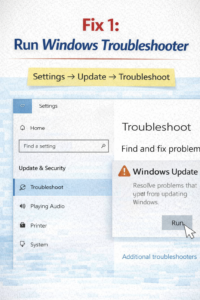
Fix 1: Run Windows Troubleshooter
Settings → Update → Troubleshoot
Fix 2: Run SFC Command
sfc /scannow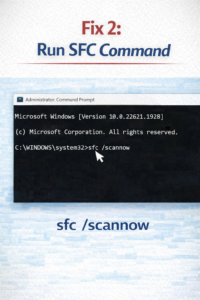
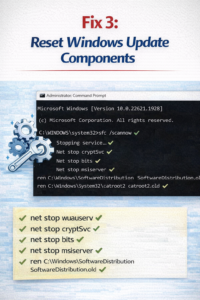
Fix 3: Reset Windows Update Components
Conclusion
This error is common and usually fixable without reinstalling Windows.