Introduction
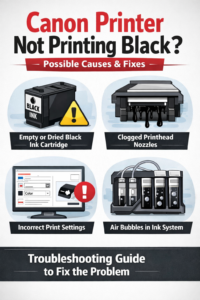
If your Canon printer is not printing black color, the issue may be related to ink cartridges, clogged printheads, or incorrect printer settings. This guide explains all possible fixes.
Common Causes
- Empty or dried black ink cartridge
- Clogged printhead nozzles
- Incorrect print settings
- Air bubbles in ink system
Solution
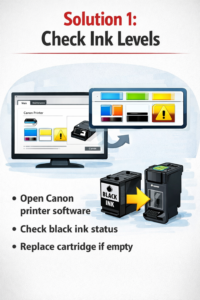
Solution 1: Check Ink Levels
- Open Canon printer software
- Check black ink status
- Replace cartridge if empty
Solution 2: Run Printhead Cleaning
- Open Printer Properties
- Go to Maintenance
- Select Deep Cleaning
- Print a test page
Repeat once if needed.

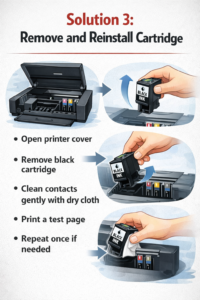
Solution 3: Remove and Reinstall Cartridge
- Open printer cover
- Remove black cartridge
- Clean contacts gently with a dry cloth
- Reinstall properly
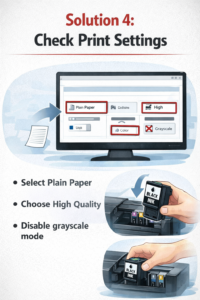
Solution 4: Check Print Settings
- Select Plain Paper
- Choose High Quality
- Disable grayscale mode
Conclusion
Most Canon black ink issues are solved by cleaning the printhead and checking ink cartridges. Avoid using refilled or expired cartridges.