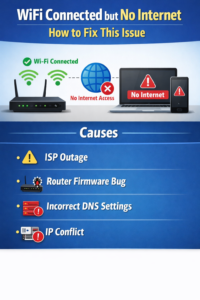
Causes
- ISP outage
- Router firmware bug
- Incorrect DNS settings
- IP conflict
Solution
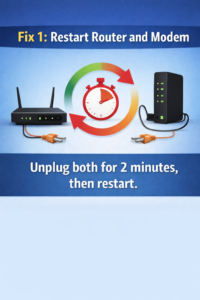
Fix 1: Restart Router and Modem
Unplug both for 2 minutes, then restart.
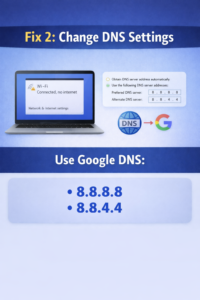
Fix 2: Change DNS Settings
Use Google DNS:
- 8.8.8.8
- 8.8.4.4
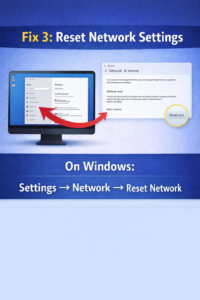
Fix 3: Reset Network Settings
On Windows:
Settings → Network → Reset Network
Conclusion
Most no-internet issues are fixed by DNS and router restart.